






How do I start a full paperback print cover?
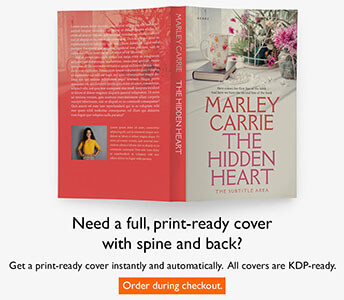
First create a front-cover render in the print trim you need. On My Print Covers, click Create New Print Cover and choose a purchased or evaluation front render whose trim is not Kindle.
The print editor uses that front panel to build a complete back-spine-front layout. Add the page or spine information, back-cover content, colors, and graphics, then click Remake Cover to generate the full print files.