







Write chapter by chapter
Give each chapter a title and subtitle, then move through the manuscript without juggling separate documents.

 10 YEARS IN SERVICE. WE HAVE PROUDLY SERVED 10,000+ AUTHORS & PUBLISHERS WORLDWIDE.
A complete home for your book
BookCoverZone Writer gives you a calm place to write the traditional way, organize every moving part of your manuscript, and call on AI only when it genuinely helps. Your prose stays at the center. The tools stay within reach.
Plan first or discover the story as you go. BookCoverZone Writer supports both.

The writing comes first
Open a chapter and write. Shape paragraphs, move through your manuscript, and keep the creative work in one clean space. Nothing requires AI; the editor stands on its own as a practical long-form writing environment.
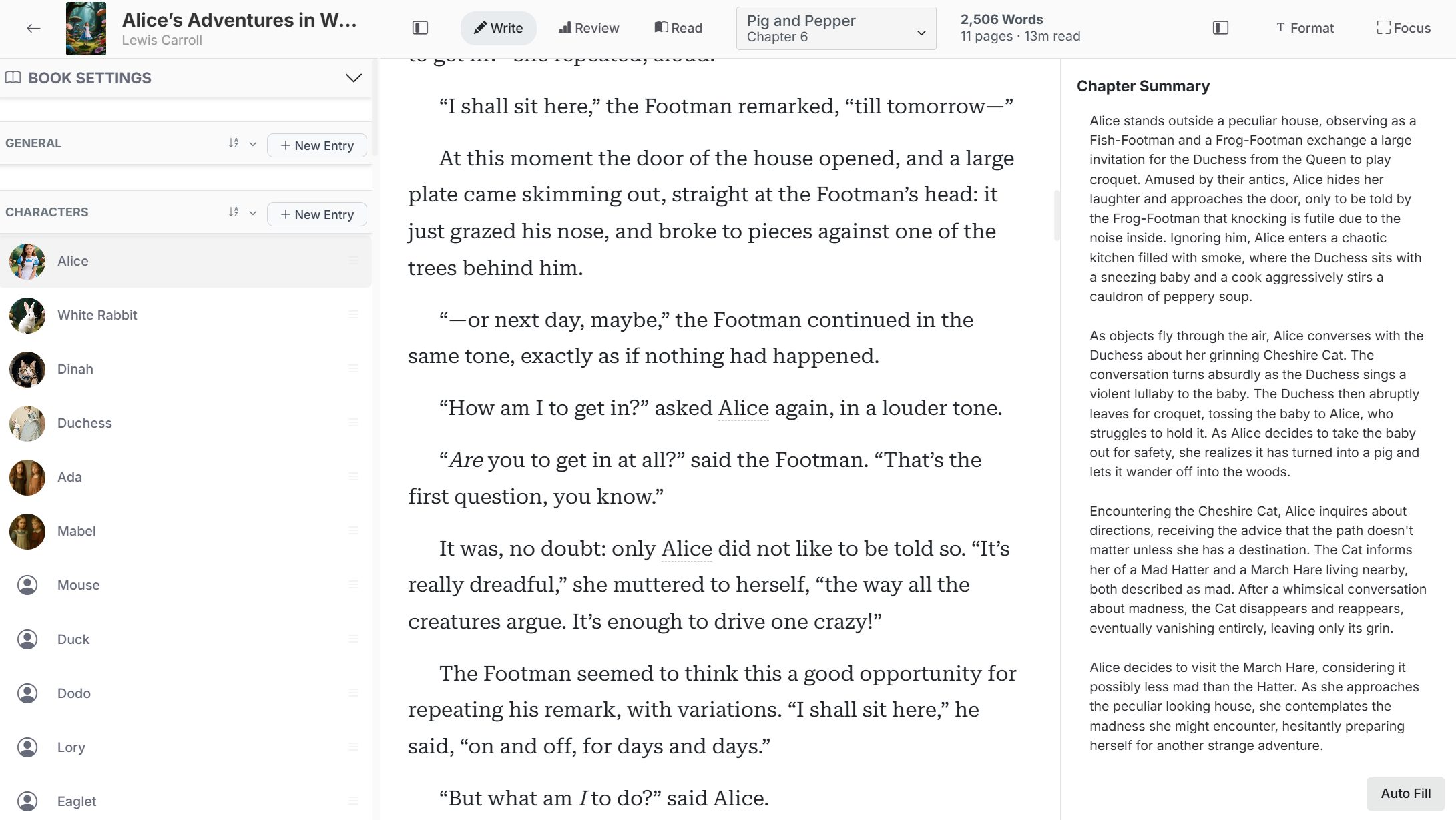
Give each chapter a title and subtitle, then move through the manuscript without juggling separate documents.
Keep word count, estimated pages, reading time, notes, and story references close to the prose.
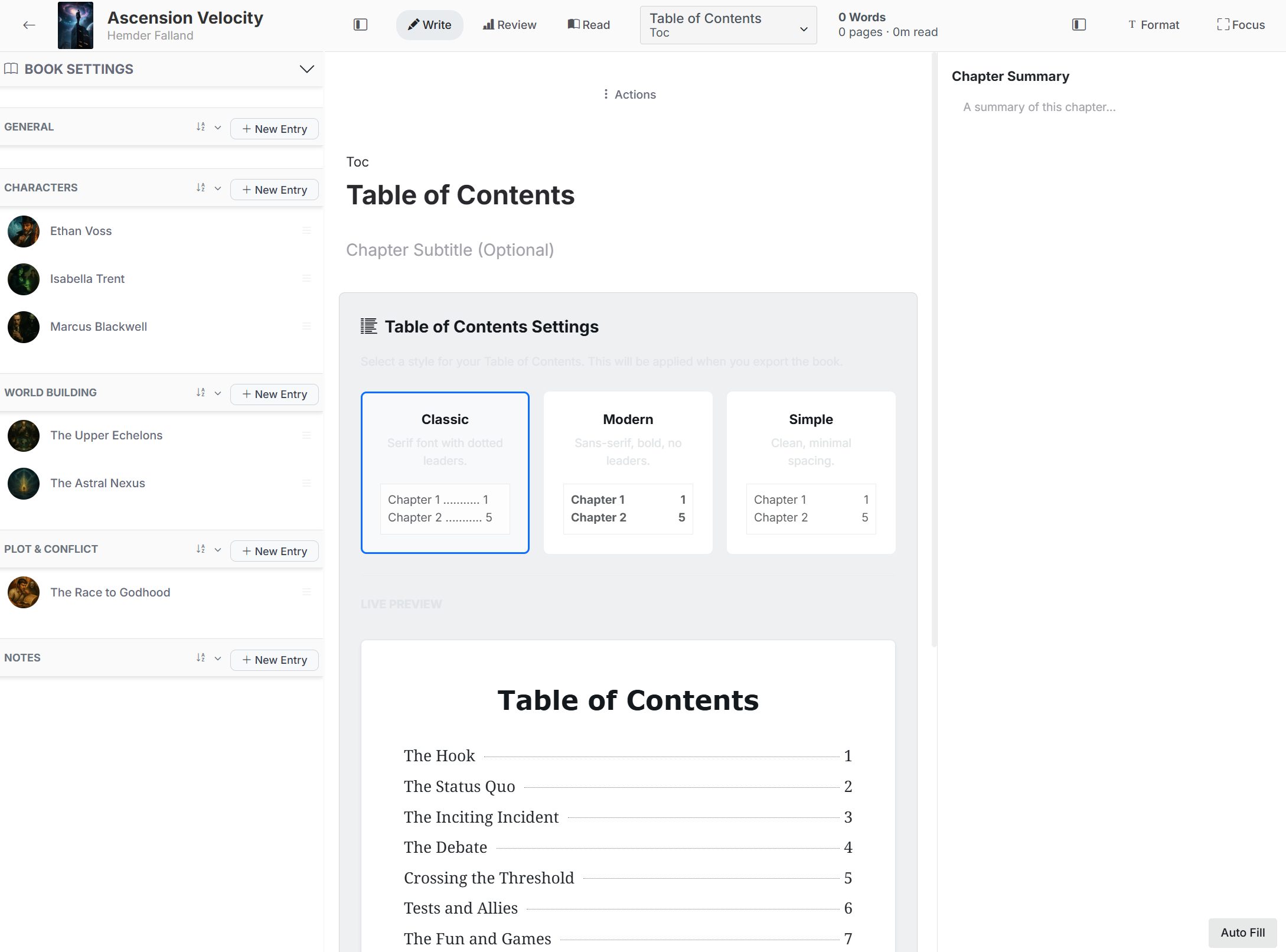
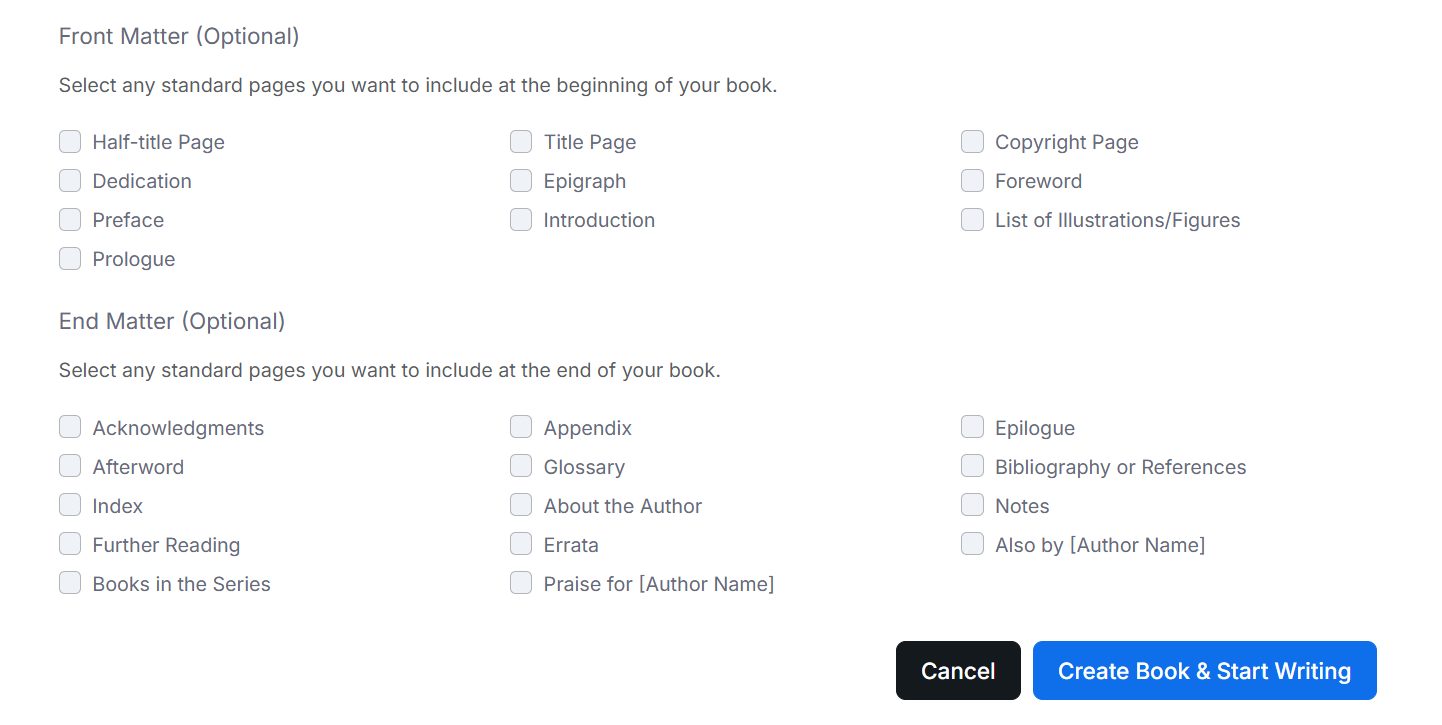
Restructure chapters as the book changes, including front matter, body chapters, and end matter.

Every book has its own manuscript, settings, cover, and story knowledge.
Your writing library
See your books as a working library instead of a maze of folders and filenames. Covers and project details make each manuscript easy to recognize, while chapter and word information shows where the work stands.
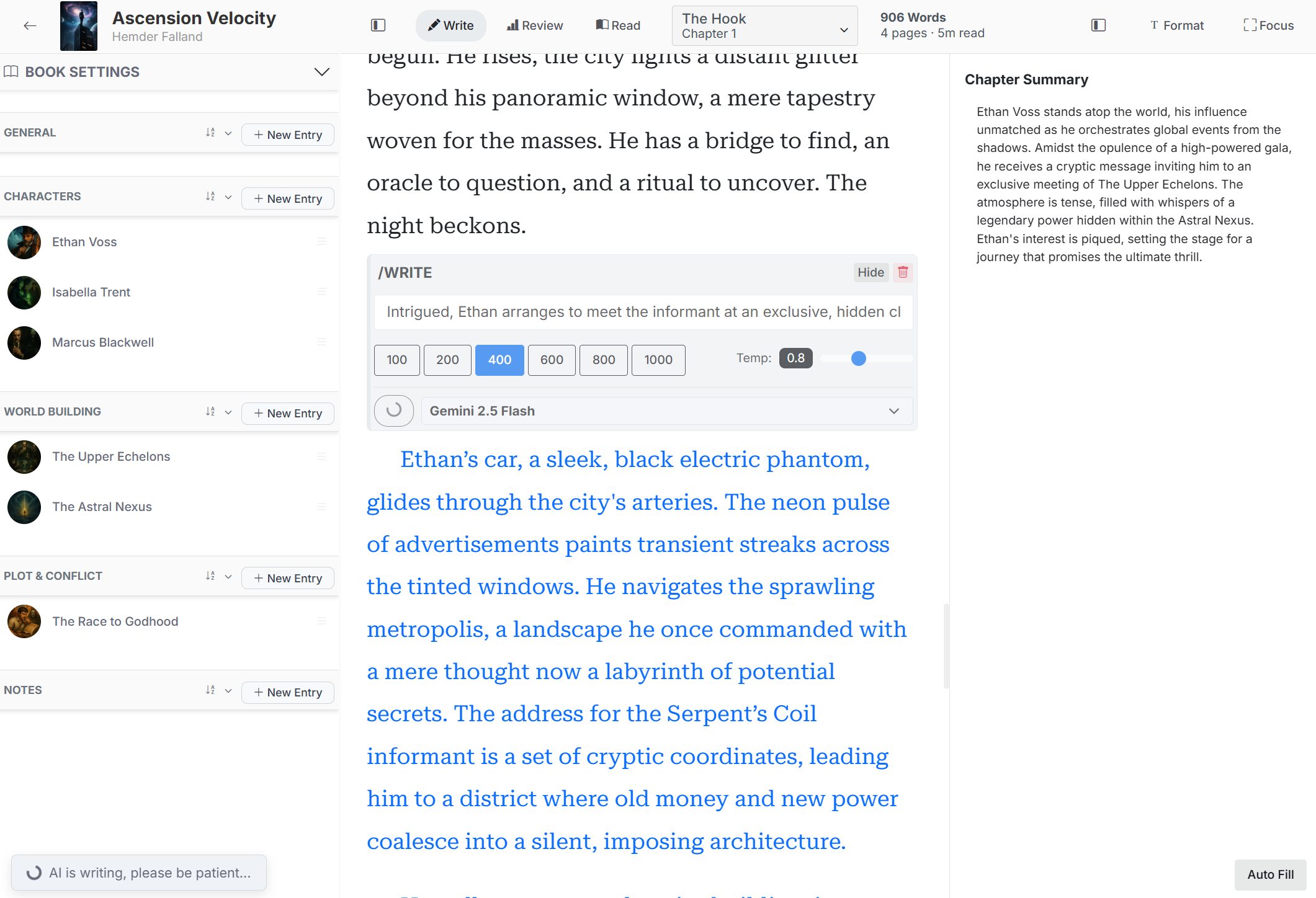

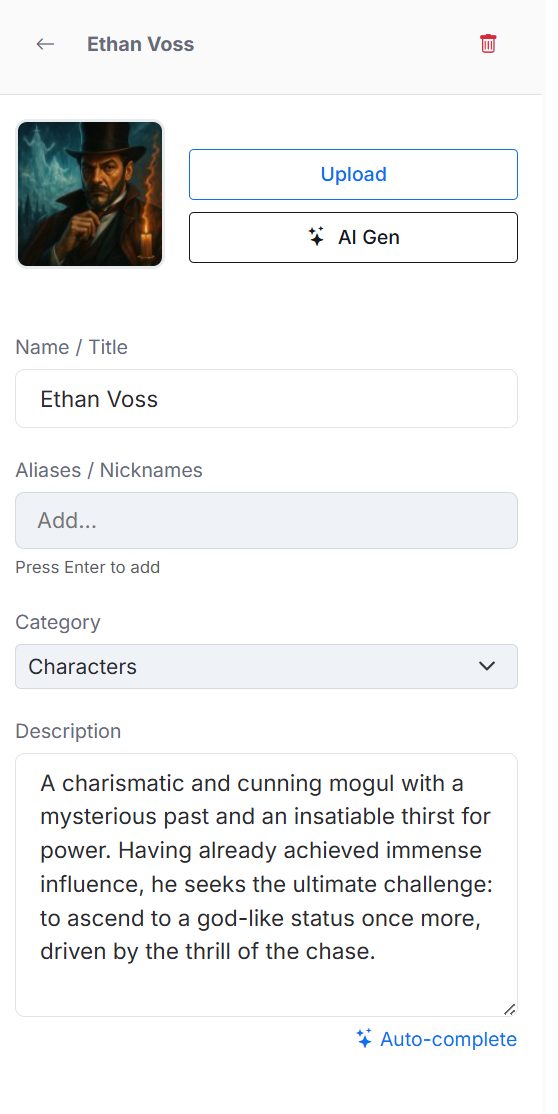
A living story bible
The Codex gives the world around your prose a structure. Build reusable entries for characters, locations, events, objects, groups, history, or any category your book needs.
See the shape of the book
A manuscript feels less overwhelming when you can see its size, rhythm, and balance. Review mode turns your draft into useful signals without reducing the work to a single word-count number.

Manuscript review
Watch the manuscript grow over time and inspect how its parts relate to one another. Use the dashboard as a practical revision companion.
AI that joins your process
BookCoverZone Writer places AI inside the writing workflow so it can work from your book's context. You decide when to use it, what model to use, how much to generate, and whether any suggestion belongs in the manuscript.
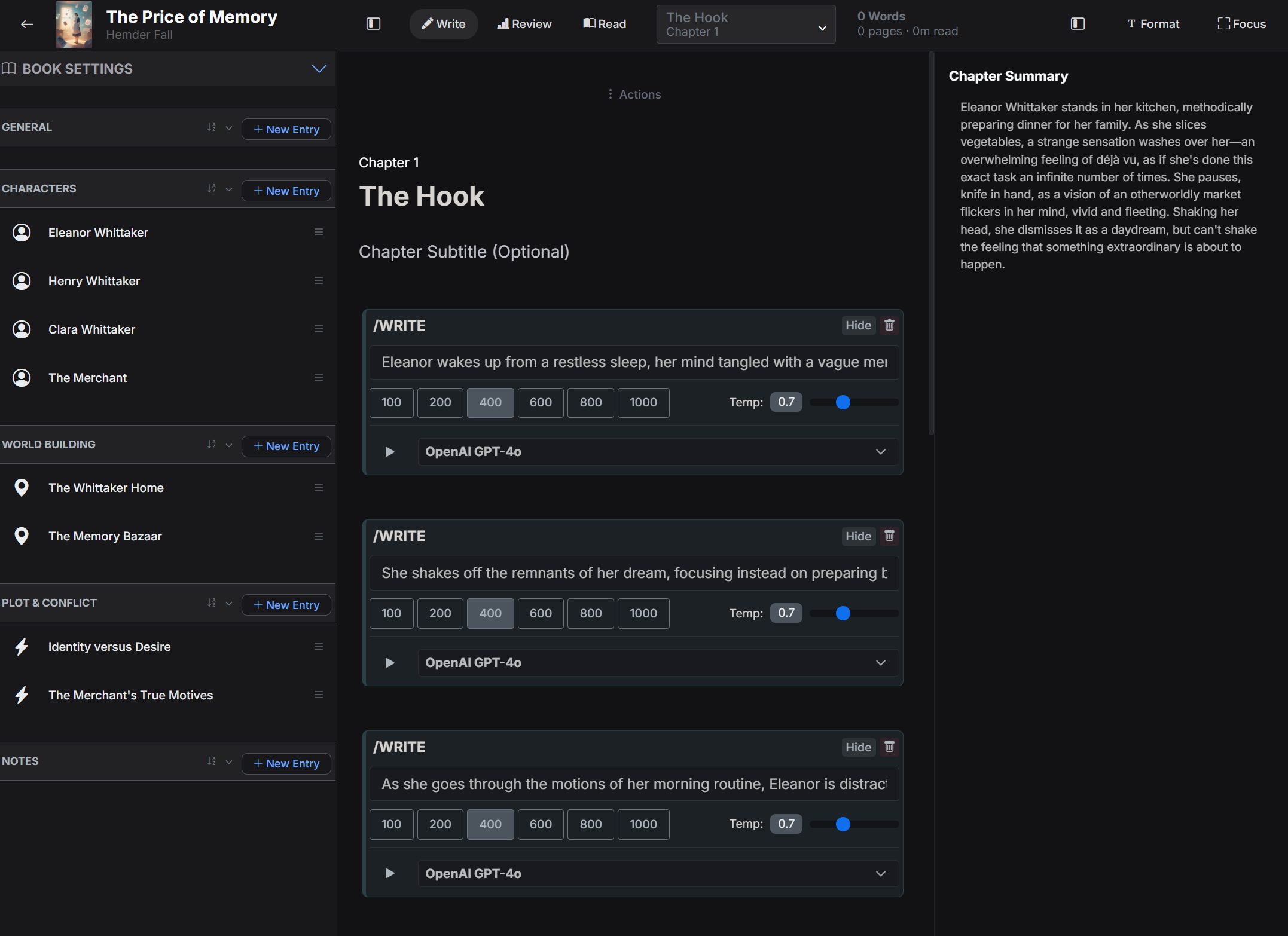
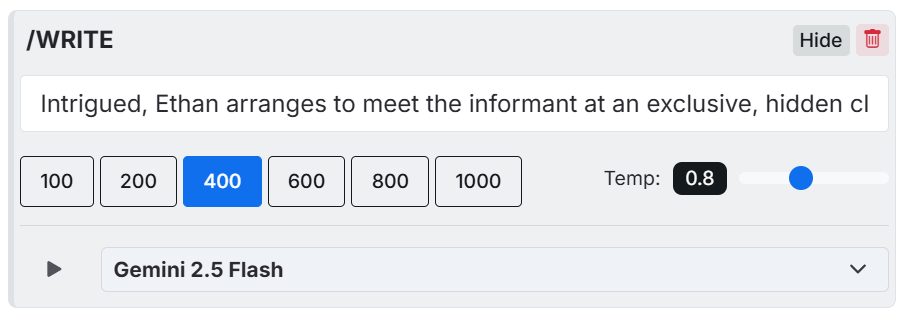
Break through the blank page
Describe the moment you want to write, add scene beats, or ask for several possible continuations. You remain the editor and final author.
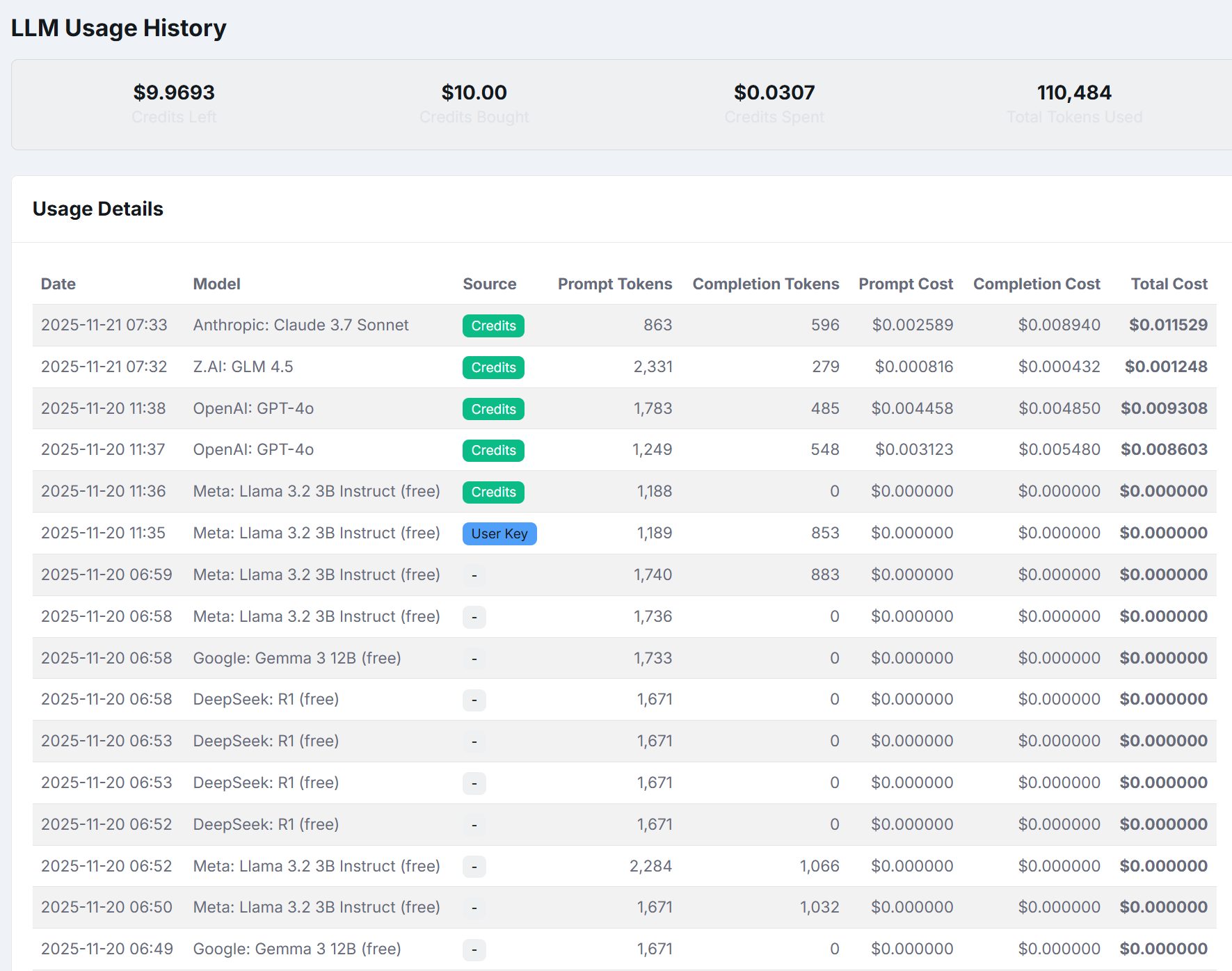
Transparent model choice
Different models suit different jobs. Pick a model for a request, then review usage history with request type, model, token counts, and cost information.
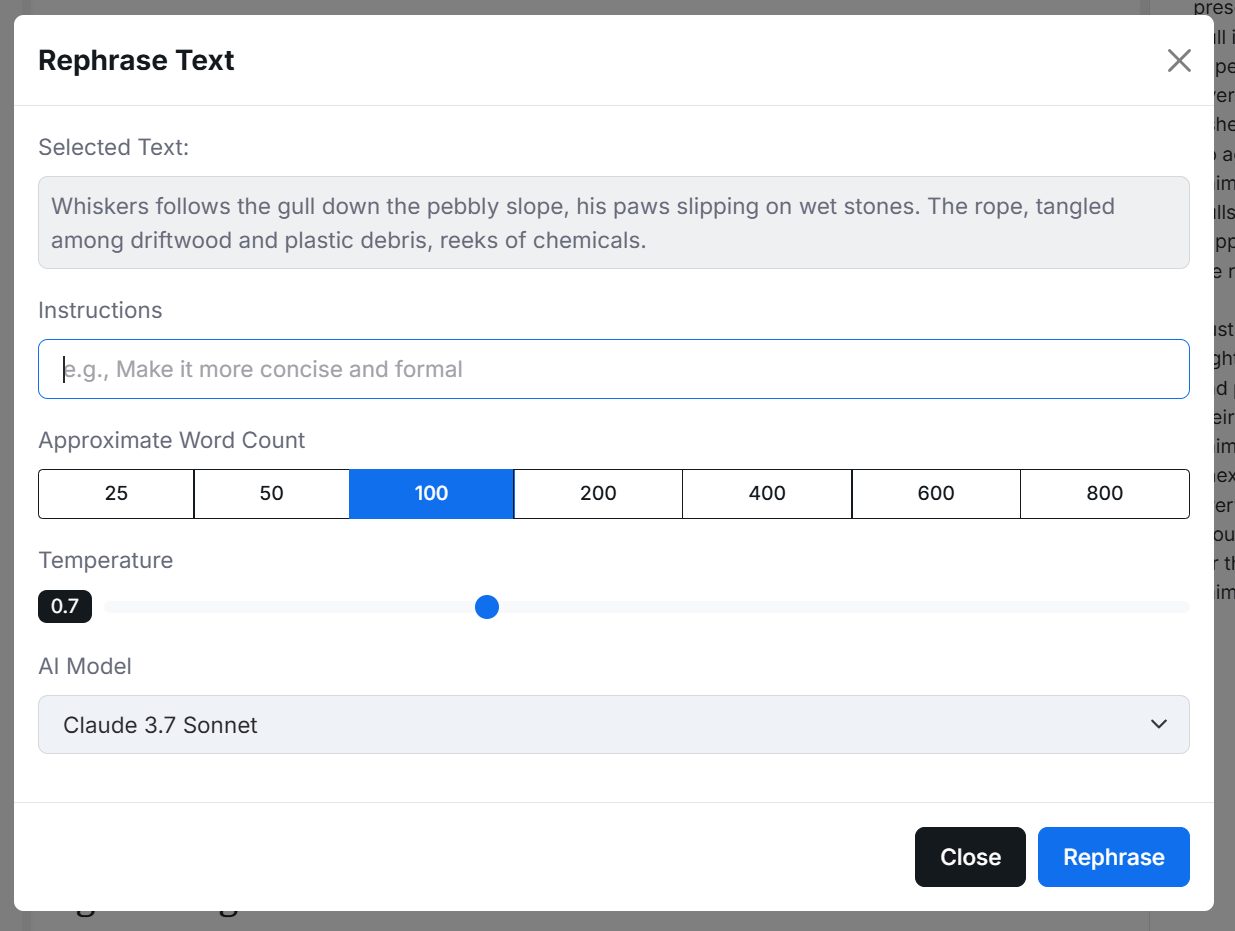
Refine existing prose
Select a passage and ask for a rephrase. Give a custom instruction, control the target length, and choose the model.
Describe the next passage without losing your place.
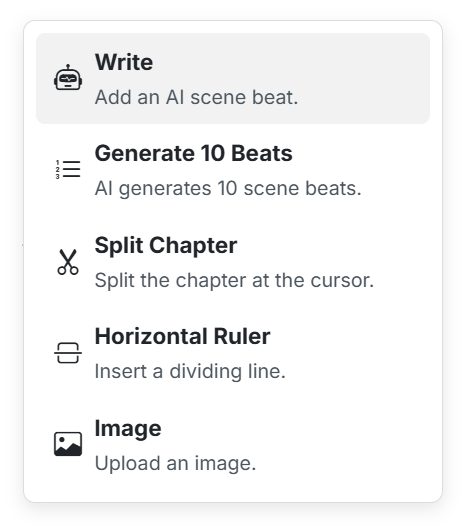
Write, generate beats, split a chapter, add a line, or insert an image.
From first page to finished book
Outline every turn or write into the unknown. Work alone or use AI as a sounding board. BookCoverZone Writer keeps the practical stages of making a book connected.
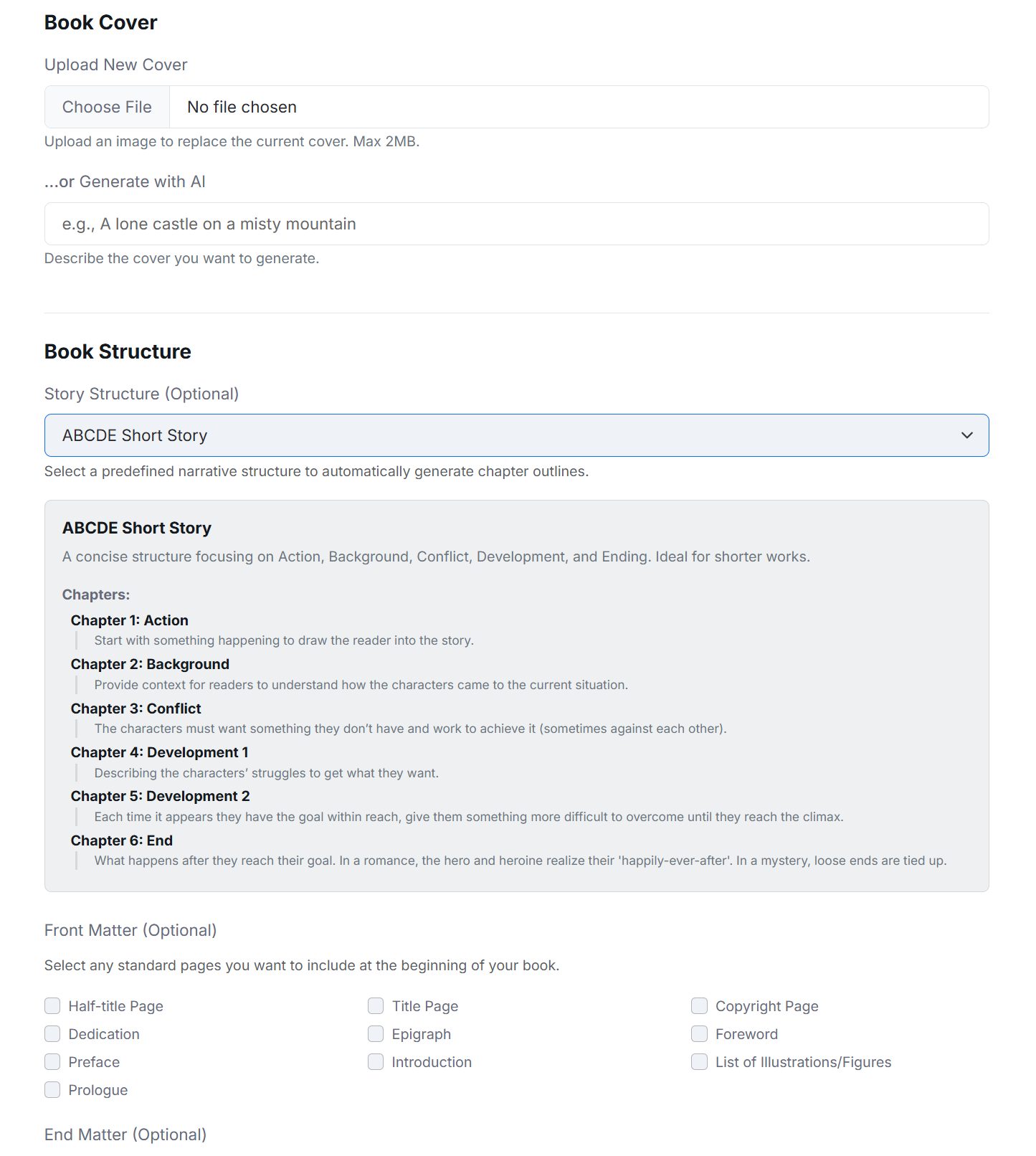
Create a blank book, use guided setup, or import a DOCX manuscript.
Build an outline, define the world, and create Codex entries.
Draft, reorder the manuscript, and keep summaries nearby.
Generate beats, explore prose, rephrase, or ask about the book.
Study chapter lengths, character distribution, and progress.
Organize book matter, then export as DOCX or EPUB.
Bring the draft, the outline, the unruly cast, and the half-formed idea. BookCoverZone Writer will help you keep it together and keep moving.
Start writing with BookCoverZone WriterAlready have an account? Log in